Use this flow when you want to report a problem, suggest an improvement, or
make a contribution to the Agent Systems Handbook.This is the handbook’s practical GitHub flow for normal contributor work, not
the production release flow. The sequence is: ask or open an issue, claim the
work, make a small branch from develop, open a pull request back to
develop, and respond to review.
Ask in #handbook-contributors if the shape is unclear
Use Content Proposal
You want a repository process or feature change
Ask in #handbook-contributors if you need routing help
Use Repository Feature Or Process Proposal
You want to pick up an existing task
Check Discord #good-first-issues-feed or GitHub issues
Comment a claim request on the issue
You opened a PR and need review coordination
Use the PR thread first
Use #code-review only for lightweight coordination
You want to discuss current AI news or ecosystem signals
Start in #ai-trends
Open an issue only when the discussion turns into a scoped handbook change
If you are not sure whether your idea is ready for GitHub, start in Discord.
If the work is concrete enough for someone to review, write it as a GitHub
issue.
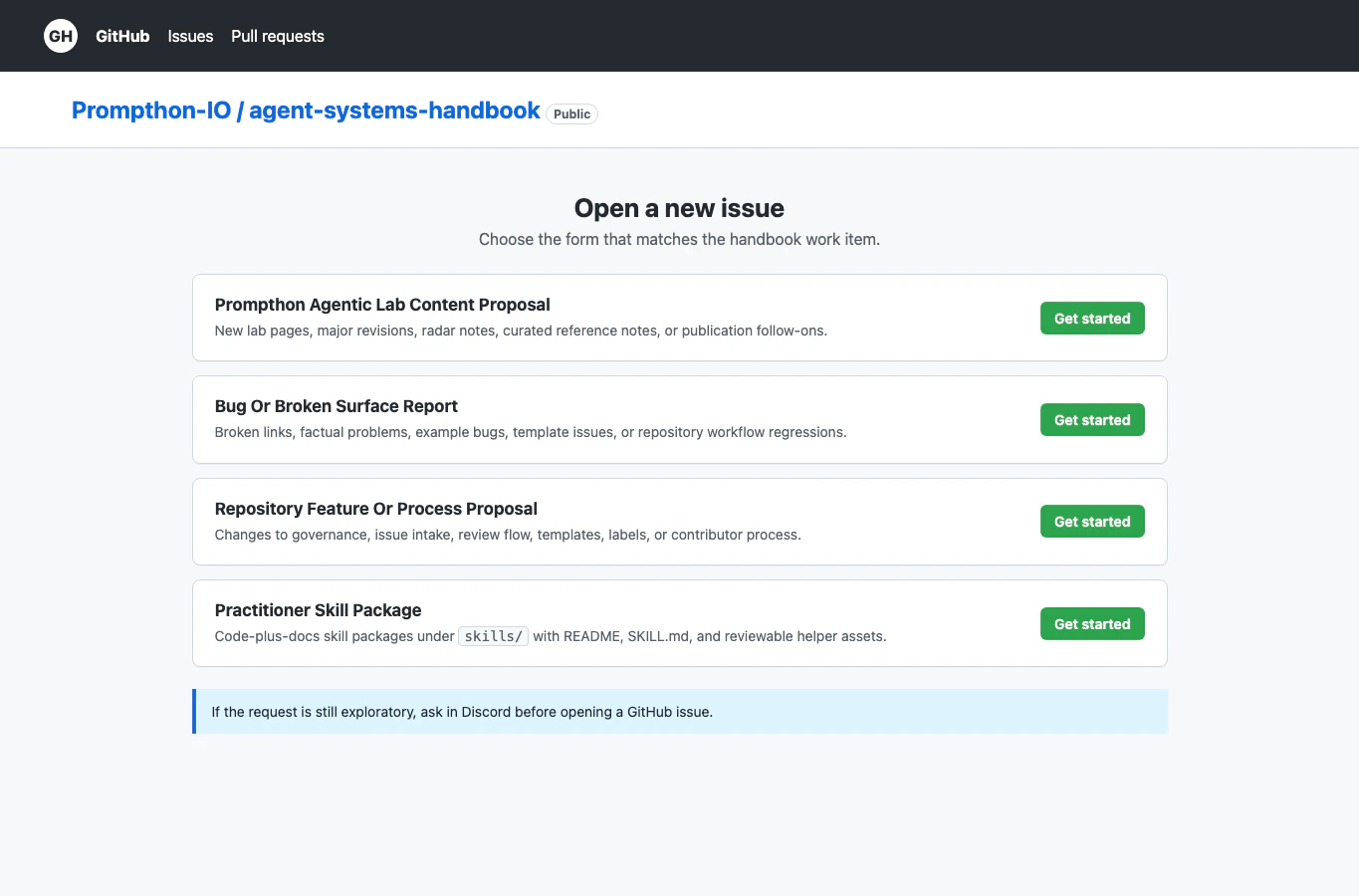
Use GitHub Issue Guide before creating a
new issue.Choose the form that matches the work:
Content Proposal: new pages, major page revisions, radar notes, or curated
reference notes.
Source Project Proposal: repo-owned examples or starter projects under an
allowed examples/ folder.
Practitioner Skill Package: code-plus-docs skill packages under skills/.
Repository Feature Or Process Proposal: workflow, template, label, review,
or contributor-process changes.
Bug Or Broken Surface Report: broken links, factual problems, example
defects, template issues, or workflow regressions.
Before submitting, search open issues so you do not create a duplicate. If an
existing issue already covers the work, use that issue instead of opening a new
one.
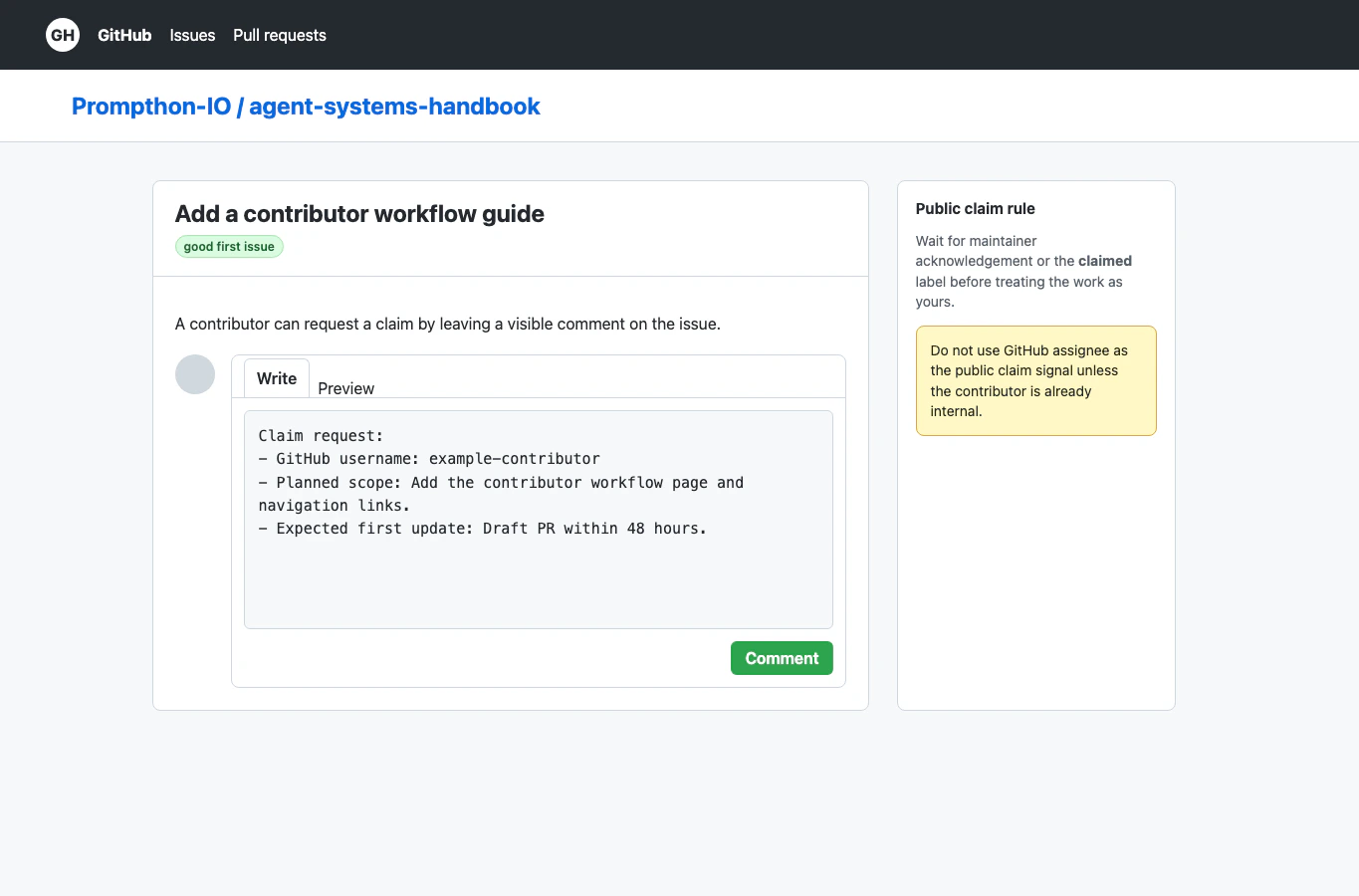
Do not start a large contribution silently. Make the claim visible on the issue.For public contributors who are not internal contributors yet, leave this
comment:
Claim request:- GitHub username:- Planned scope:- Expected first update:
Wait for a maintainer reply or the claimed label before treating the work as
yours. Maintainers should leave the GitHub assignee field empty unless the
contributor is already an internal contributor for this repository.If your plan changes, add a short update comment before changing scope.
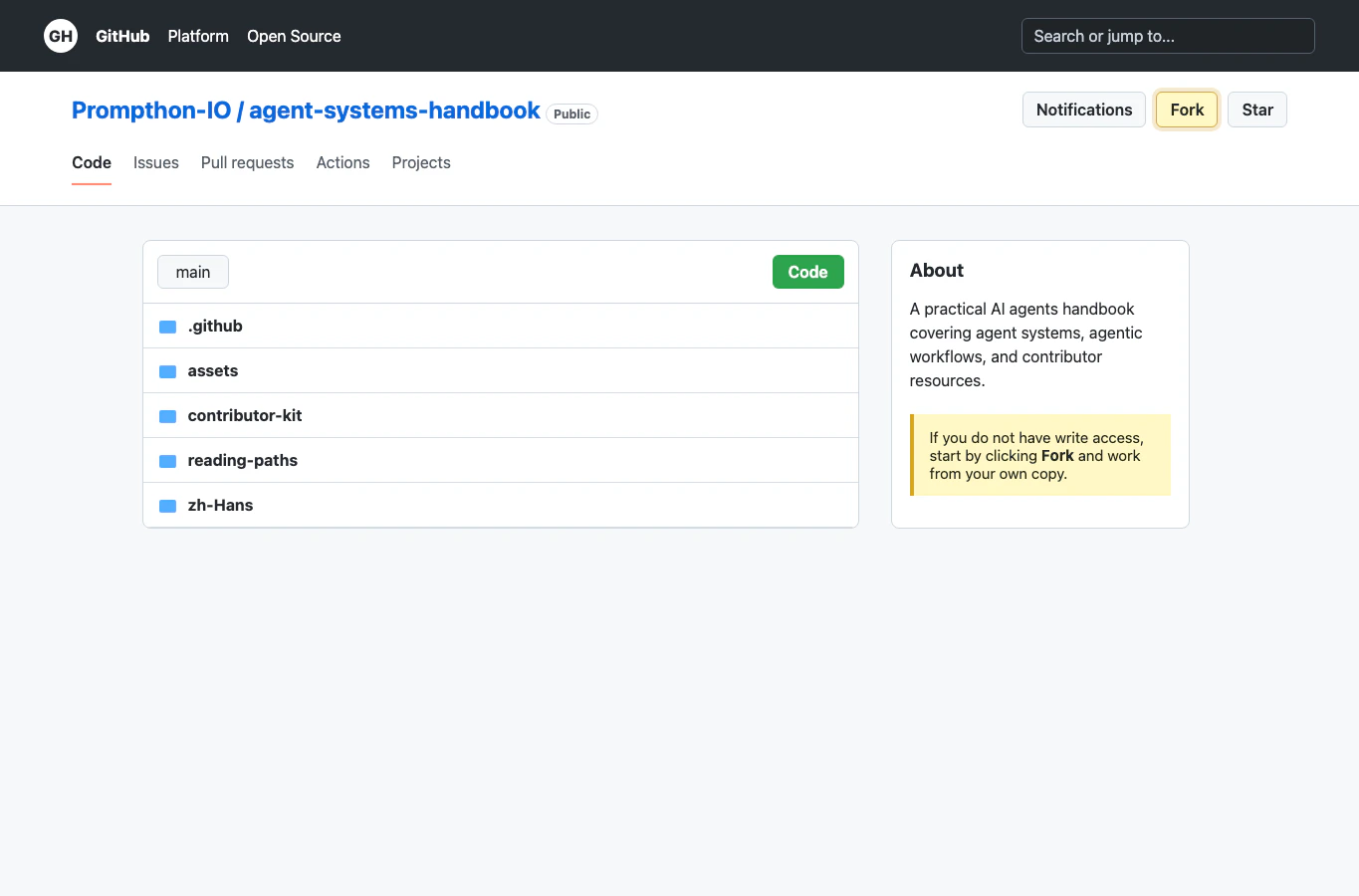
If you do not have write access to the repository, fork it first.Then work from your fork:
Create a branch from the latest develop.
Keep the branch focused on the claimed issue.
Put the file in the correct contributor lane or template path.
Add or update links so the work is discoverable.
Run the checks listed in the matching guide.
If you have write access, you can create a branch in the main repository, but
the same rule applies: one branch should map to one clear issue or outcome.
Open the pull request against Prompthon-IO/agent-systems-handbook:develop.main is reserved for maintainer-run release PRs and Mintlify production
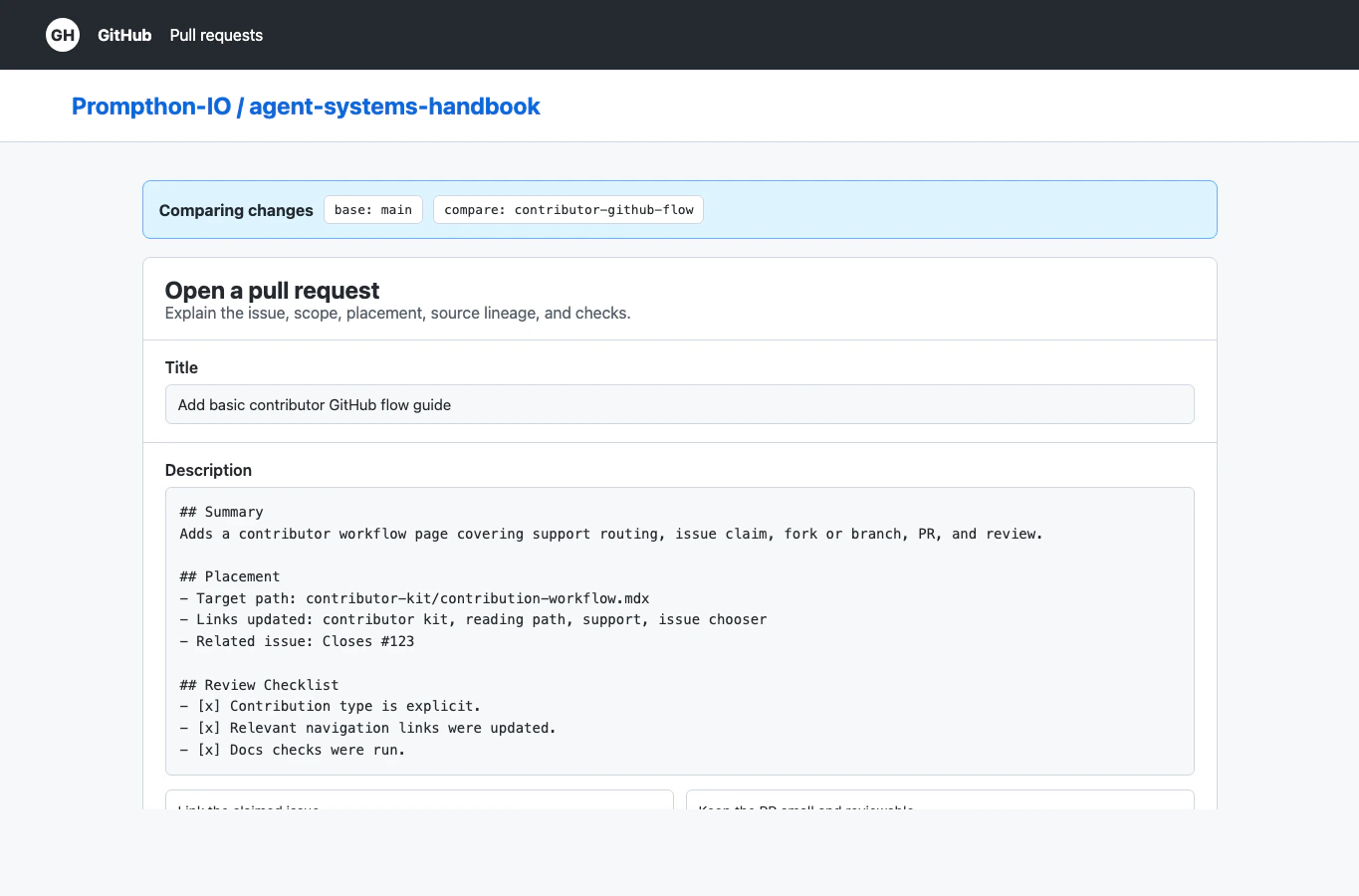
deployment.In the pull request body:
Link the issue you claimed.
Choose the contribution type from the template.
Name the target path and any indexes or navigation links updated.
Explain source lineage if outside material shaped the work.
List the checks you ran.
Keep the scope small enough for a reviewer to understand in one pass.
The prompthon-track-guard check validates changed files against the linked
issue’s track:* label. If the check fails, use the comment it leaves to move
files into an allowed path or ask a maintainer for an explicit exception.Use a draft PR if the work is not ready but you want early review on direction.
Mark it ready only when the page, links, screenshots, and checks are complete.
Use the PR thread as the main review surface. If a reviewer asks for changes,
respond in the thread and push follow-up commits to the same branch.Before requesting merge: